How to Combine Multiple PNG Images into One PDF Without Losing Quality
Combine screenshots, scans, receipts, or design exports into one ordered PDF while keeping text and fine details readable.
Read articleClear, practical articles for turning screenshots, scanned pages, graphics, and other PNG images into useful PDF documents.
Combine screenshots, scans, receipts, or design exports into one ordered PDF while keeping text and fine details readable.
Read article
Turn one screenshot—or a complete sequence—into a clean PDF on desktop and mobile devices.
Read article
Understand where PNG excels, where PDF is more practical, and when converting between them actually helps.
Read article
Shrink image-based PDFs by fixing oversized sources, empty pixels, duplicate pages, and inefficient page choices.
Read article
Prepare, rotate, order, and combine scanned image pages into a readable PDF for records or submission.
Read article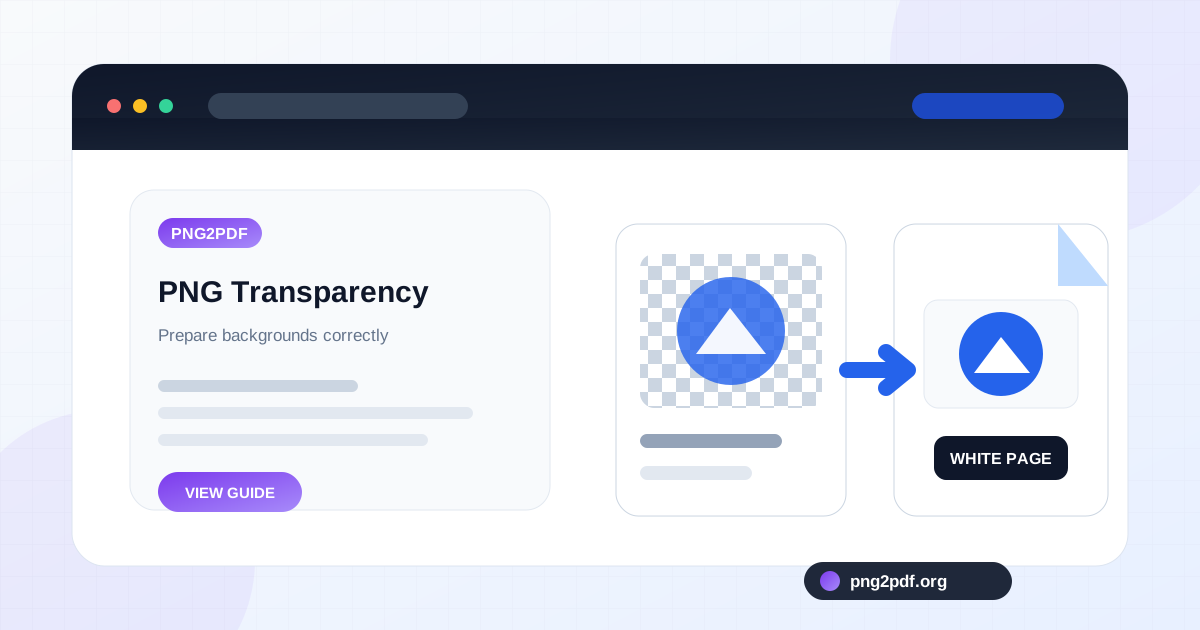
Understand white, black, or unexpected backgrounds when transparent PNG graphics are placed on PDF pages.
Read article
Learn what conversion changes, why some pages look blurry, and how to preserve fine text and image detail.
Read article
Combine reports, scans, invoices, and attachments into one correctly ordered PDF while avoiding duplicate, missing, or misplaced pages.
Read article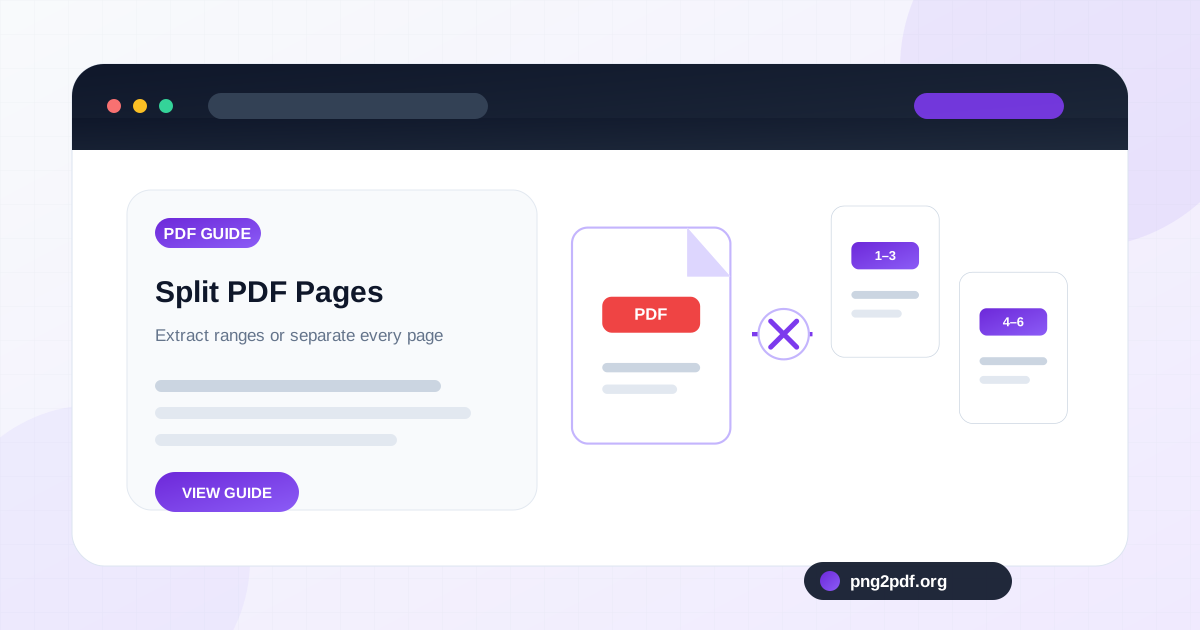
Extract selected pages, divide a long document into useful sections, or save every PDF page separately with a clear naming plan.
Read article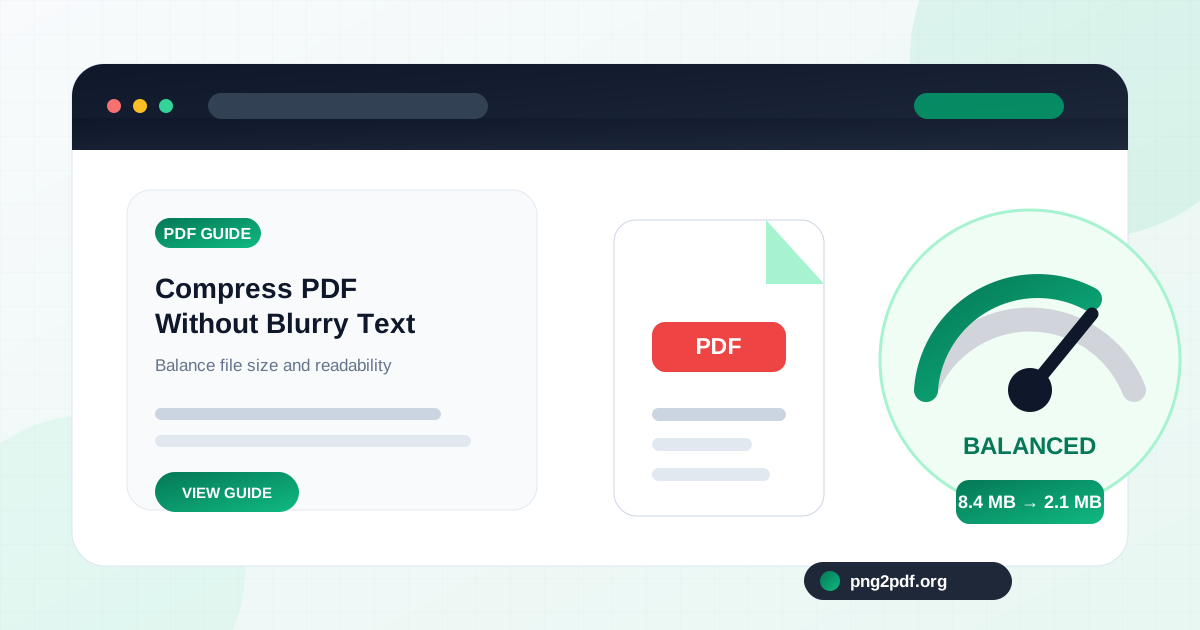
Reduce an image-heavy PDF to a practical size while protecting small text, diagrams, signatures, barcodes, and scanned details.
Read article