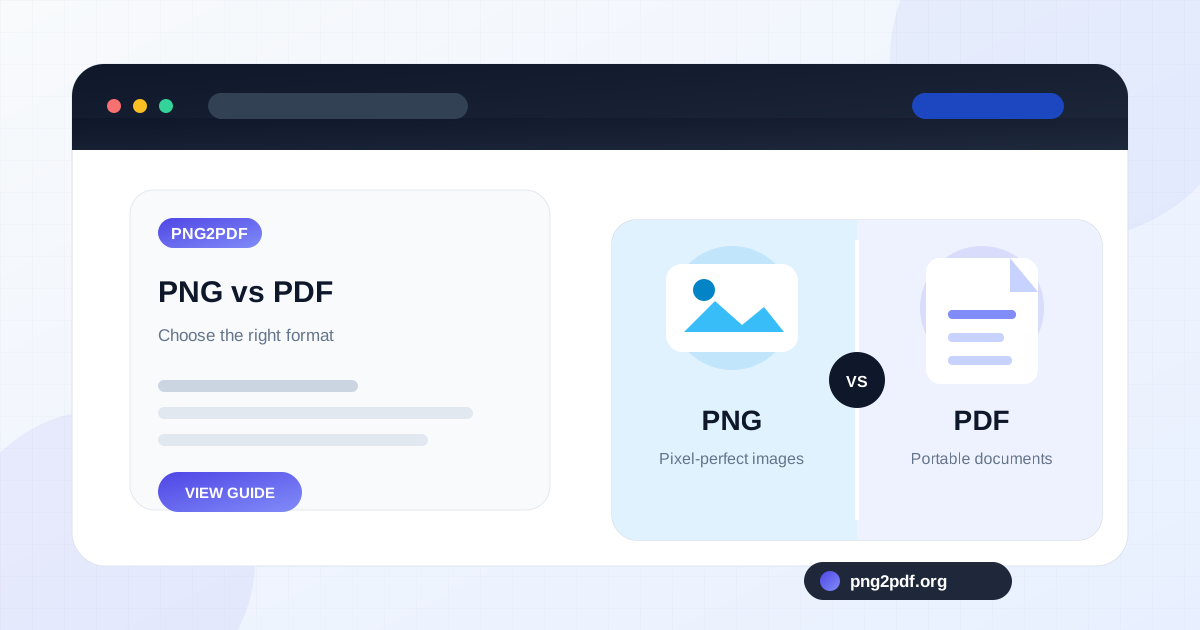
PNG and PDF are often treated as interchangeable because both can display a sharp image of a page. They are built for different jobs. PNG is an image format: one file represents one raster image. PDF is a document container: one file can hold multiple pages, images, text, vector graphics, links, forms, and document metadata.
Choosing between them becomes easier when you start with the task. Are you publishing a transparent logo on a website? Use PNG. Are you sending twelve scanned pages as one application? Use PDF. Are you preserving an editable design? Neither may be the correct master format.
What PNG is designed to do
Portable Network Graphics uses lossless compression and supports transparency. It is especially good at preserving sharp edges, flat colors, interface elements, diagrams, and text captured as pixels. That is why operating systems commonly use PNG for screenshots.
A PNG has a fixed pixel width and height. It does not naturally contain multiple pages, selectable text, bookmarks, or a document outline. You can create a very tall PNG, but readers still receive one image rather than a structured page sequence.
What PDF is designed to do
Portable Document Format is built to preserve the appearance and structure of a document across devices. A PDF can contain one page or hundreds of pages. Each page can have a defined physical size such as A4 or Letter, making PDF practical for printing and formal submission.
PDF content can be sophisticated, but not every PDF contains live text or vectors. When PNG images are converted to PDF, the result usually contains those images placed on PDF pages. The text visible inside a screenshot remains pixels unless optical character recognition is performed separately.
Image quality: PNG can be the source, PDF can be the package
PNG is a strong source format for screenshots and graphics because it avoids lossy compression artifacts. Placing that PNG in a PDF does not magically add detail, but it can preserve the original image while giving it a page and document structure.
Quality problems usually come from resizing, aggressive compression, or a poor layout choice. A high-resolution screenshot scaled to fit a small page may still contain the original pixels, yet the text can appear tiny at normal viewing size. A low-resolution PNG will not become sharper simply because it is saved in PDF format.
Transparency behaves differently
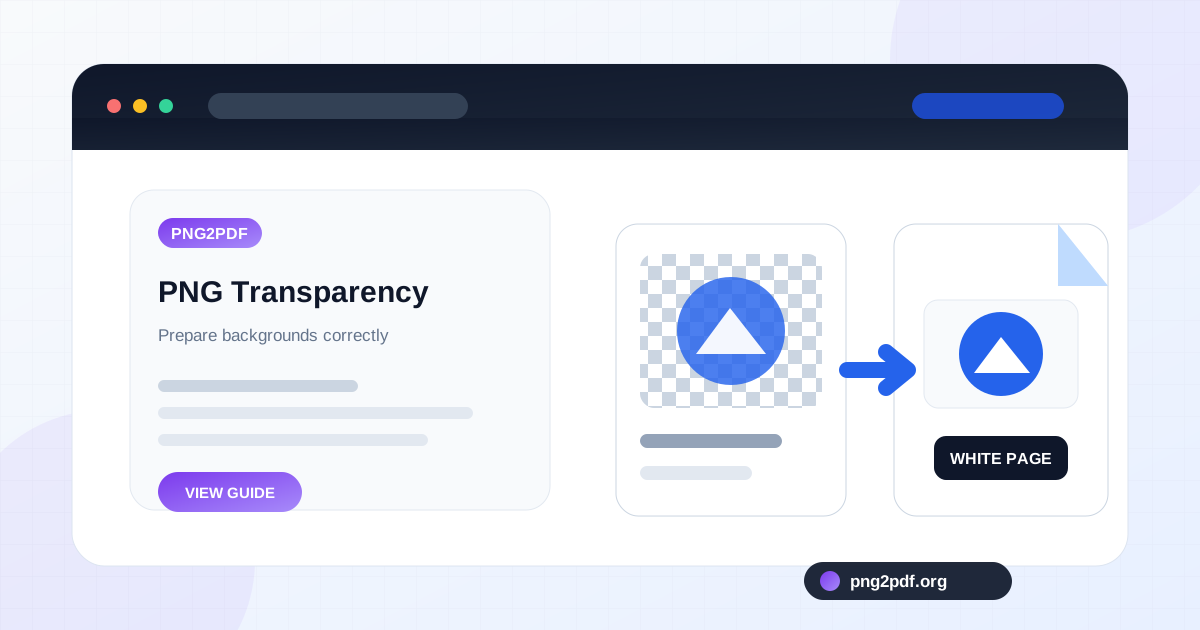
PNG supports an alpha channel, which allows pixels to be partially or fully transparent. This is valuable for logos, icons, overlays, and cut-out objects. A PDF page, however, is usually viewed and printed against a page background. Depending on the conversion method, transparent areas may appear white or be flattened against another color.
When transparency matters as a design asset, keep the original PNG. When the goal is a readable document, decide what background the transparent areas should use before conversion. The behavior is explained in more detail in why PNG transparency turns white in PDF .
Multi-page work strongly favors PDF
Sending ten PNG files means sending ten attachments, preserving ten filenames, and hoping the recipient opens them in the correct order. One PDF solves all three problems. Page numbers are stable, the document opens as a unit, and most upload portals accept it as a standard document.
This is the clearest reason to combine multiple PNG images into one PDF . Receipts, scanned notes, evidence screenshots, whiteboard photos, and exported slides become easier to handle when they live in a single ordered file.
Printing: PDF offers predictable pages
PNG does not inherently know whether it should print on A4, Letter, a photo sheet, or a custom canvas. Print software must interpret the image dimensions and fit it to paper. PDF pages already have defined dimensions, orientation, and margins, so the preview is generally more predictable.
That does not guarantee professional print production. Color profiles, bleed, crop marks, and vector requirements may matter for commercial printing. A PDF made from a screen-resolution PNG is still based on that raster source. For office printing and ordinary forms, however, PDF is usually the more convenient delivery format.
Sharing: use PNG for an image, PDF for a document
PNG works well when the image itself is the message: a diagram in a chat, a transparent logo for a website, a screenshot embedded in a support ticket, or a graphic placed in a presentation. It previews quickly in most messaging and content systems.
PDF is better when the recipient should download, review, print, sign, or archive a document. It is also better when several pages must remain together. Some social platforms preview images more naturally than PDFs, while business portals often prefer or require PDF.
Searchability and accessibility depend on the PDF contents
A normal PNG has no selectable text unless another system analyzes the image. A PDF can contain real text and accessibility tags, but a PDF created only from PNG screenshots may still be image-only. Converting image files is not the same as creating an accessible, searchable document.
If searchable text is required, use OCR after conversion or begin with the original text document and export it directly to PDF. For accessibility, provide meaningful reading order, tagged headings, alternative text, and sufficient contrast in the source document whenever possible.
Archiving: keep the master and the delivery copy
For important material, preserve the highest-quality original. If the source is a screenshot, that may be the PNG. If the source is a design file or word-processing document, keep that editable file rather than treating either PNG or PDF as the only master.
Create a PDF as the organized delivery copy, use a descriptive filename, and store it beside the originals. This gives you a stable version that is easy to open while preserving the source files needed for future edits or a different export.
A practical selection guide
- Choose PNG for transparent graphics, screenshots, UI elements, diagrams, and web images that need sharp pixel detail.
- Choose PDF for multi-page documents, printing, applications, records, formal sharing, and fixed page layouts.
- Keep both when PNG is the source image and PDF is the organized document.
- Use an editable source format when the content will continue to change.
The formats are not rivals in every workflow. A well-prepared PNG can be exactly what a PDF document needs, and a PDF can make a collection of strong PNG images far easier to use.